

FramePack Studio - the independent FramePack image-to-video workspace
Create FramePack image-to-video workflows with prompts, references, and clear shot direction.
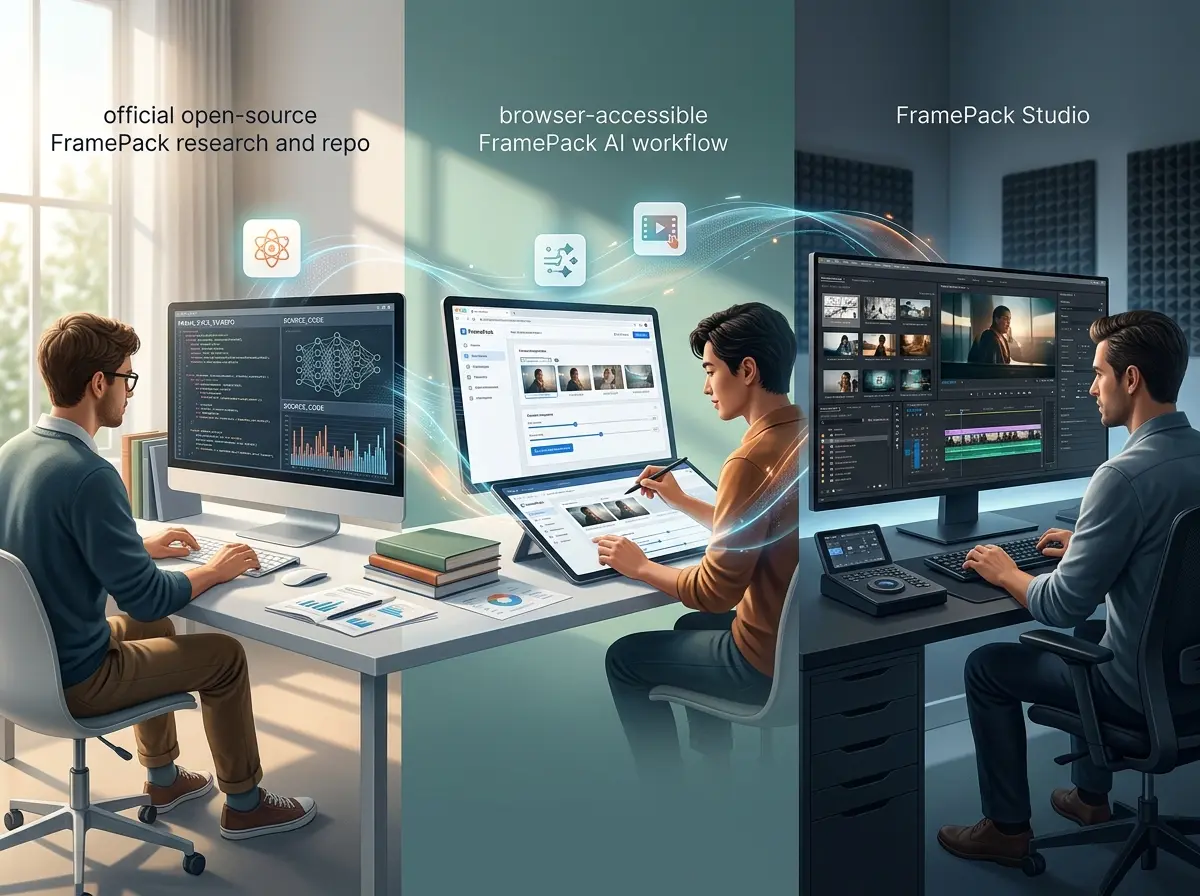
FramePack, FramePack AI and FramePack Studio
The name covers three different things: the open-source research project, a hosted generator you can run in a browser, and the studio tooling built around it. This site is the browser-first workspace.
FramePack
The research project and its architecture: frame-context packing for next-frame prediction. Running it yourself means a local install and a GPU.
FramePack AI
The same idea, hosted: a prompt, a reference image and shot direction in a browser tab, with nothing to install.
FramePack Studio
The studio-style tooling built around the model - a render queue, timestamps and project organisation rather than a single one-shot render.
An independent workspace
This site is not the official repository and is not affiliated with it. It hosts the generators, explains what the model does, and points back to the research.
The Three Jobs People Bring to FramePack
Each of the three has a page of its own, so you can go straight to the one that matches what you came for.


What you get here
Why Use This Site Instead of the Repository
The official repository is where the research and the code live. This site is for running the model without installing it: browser workflows, prompting patterns, and finished clips.
Explain the research in plain English
FramePack's context-packing idea, written for someone making clips rather than someone reading a paper.
Show the workflow, not just the model
Prompts, reference images and outputs shown together, so you can see how a clip actually gets made.
Generate in a browser, not a local install
No checkout, no CUDA, no GPU of your own - the model runs remotely and you work in a tab.
Stay explicit about independence
The official FramePack repository says it is the only official site, operates no web service, and warns against third-party sites. This browser service is independently operated and is not endorsed by that project.
How to Use the FramePack Workspace
A simple browser loop for exploring FramePack AI workflows without losing the story of the shot.
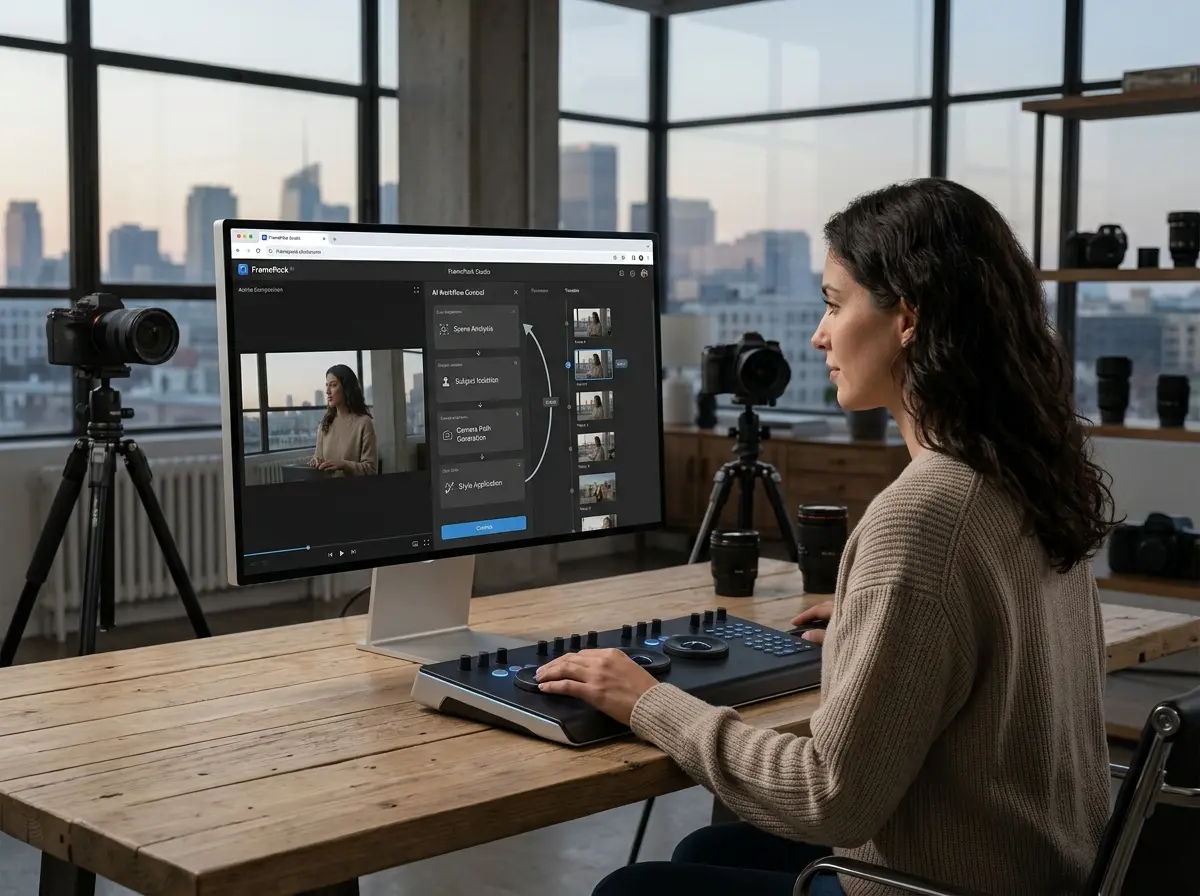
Start with the scene goal
Define the clip, motion, subject, and camera idea before you start generating.
Attach still references when composition matters
Use image inputs when you want stronger first-frame control or more stable art direction.
Generate and compare iterations
Run prompt-led and reference-led versions side by side so the best direction becomes obvious faster.
Document the winning setup
Keep the prompt, reference frames, and results together so your next FramePack Studio session starts from something real.
What This Workspace Gives You
Everything the workflow needs in one browser tab - the generators, your render history, and the docs.
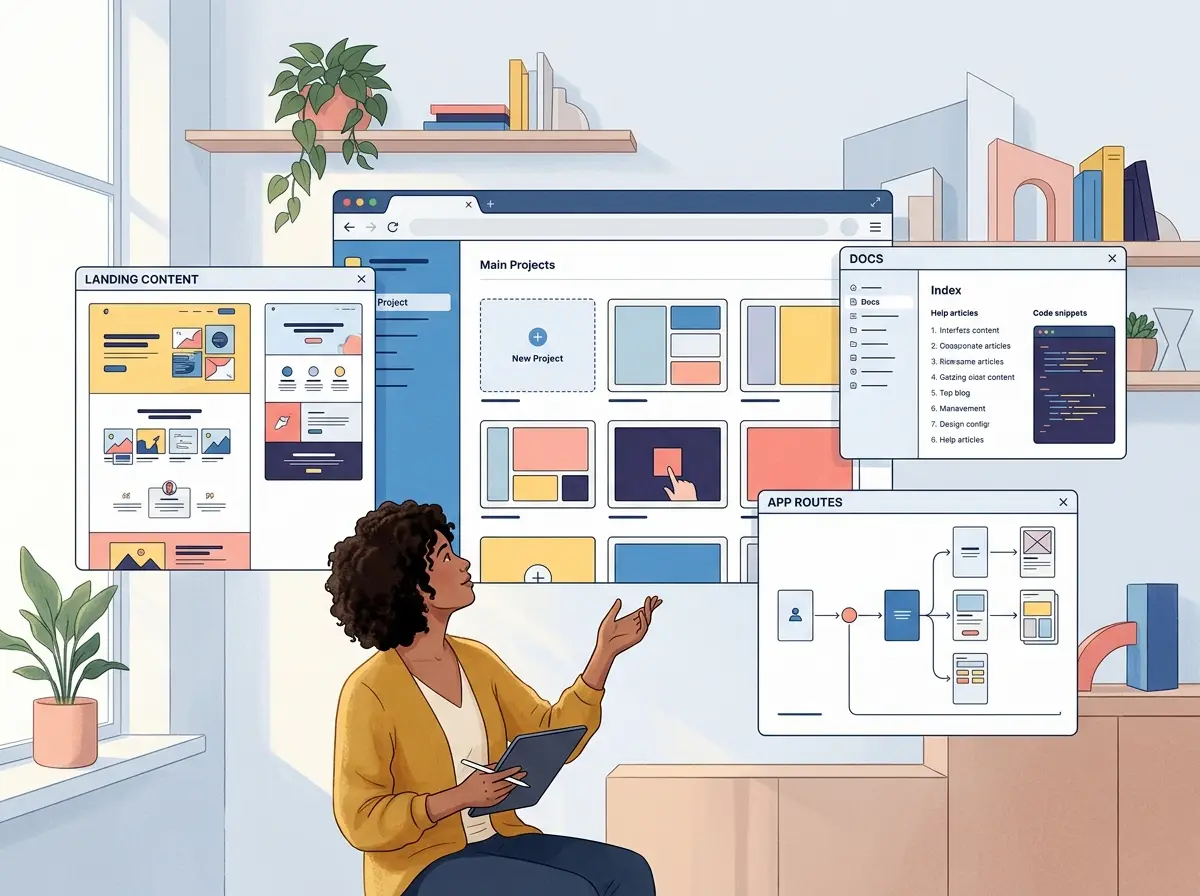
One place for the whole workflow
Sign in, generate, watch a render finish, and read the docs without leaving the workspace.
Reference-led generation
Start from an image and describe the motion, or write the shot out in full and let the model set the opening frame.
Video, image and music in one workspace
Pick a model, write a prompt, add a reference - the same form drives every generator on the site.
Read it in your language
Every page and the generator interface are translated across the languages this site serves.
Frequently Asked Questions About FramePack
The questions people ask most often about FramePack and about this site.
Choose Your Entry Point
Open the generator to make a clip now, read the explainer for workflow context, or go to the studio page if that is the term you were navigating to.
