

FramePack Studio Image Generator
Choose a current image model, use only the prompt, reference, and output controls shown by its form, then inspect the returned image.
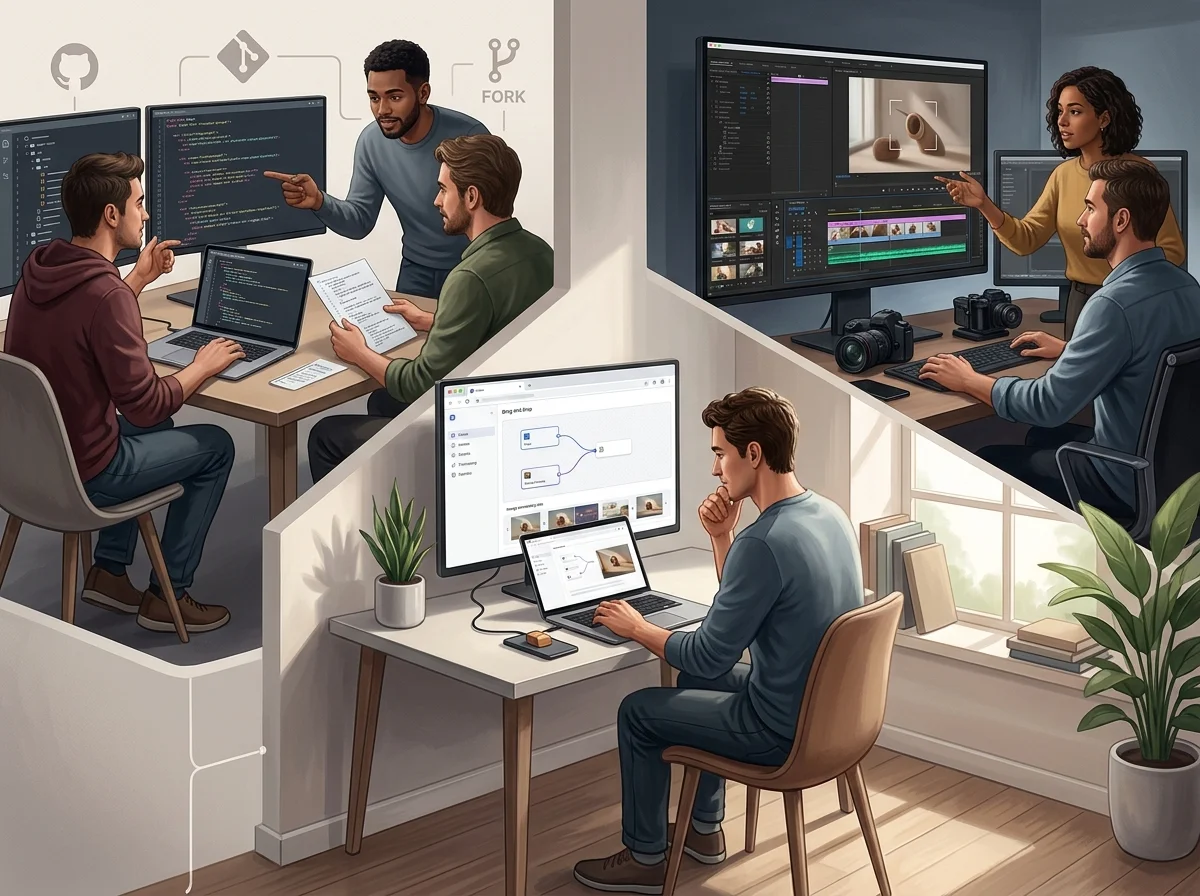
How the FramePack Studio Image Generator Works
Two entry points - a written description, or a picture you already have - and a loop for choosing between options rather than polishing one.
Start from a written prompt
Describe the subject, the setting and the light in that order. Each one narrows what the next word can mean.
Or start from an image you have
Image-to-image holds composition and colour steady while the style, material or subject treatment changes.
Generate several options at once
A grid of variations surfaces directions you would never have thought to describe. It beats refining a single image.
Change the prompt, not the pixels
Adjusting one word about lens, light or material usually moves the result further than editing the output by hand.
Three Ways People Start an Image
Almost every session begins in one of three places, and each one wants a different first move.
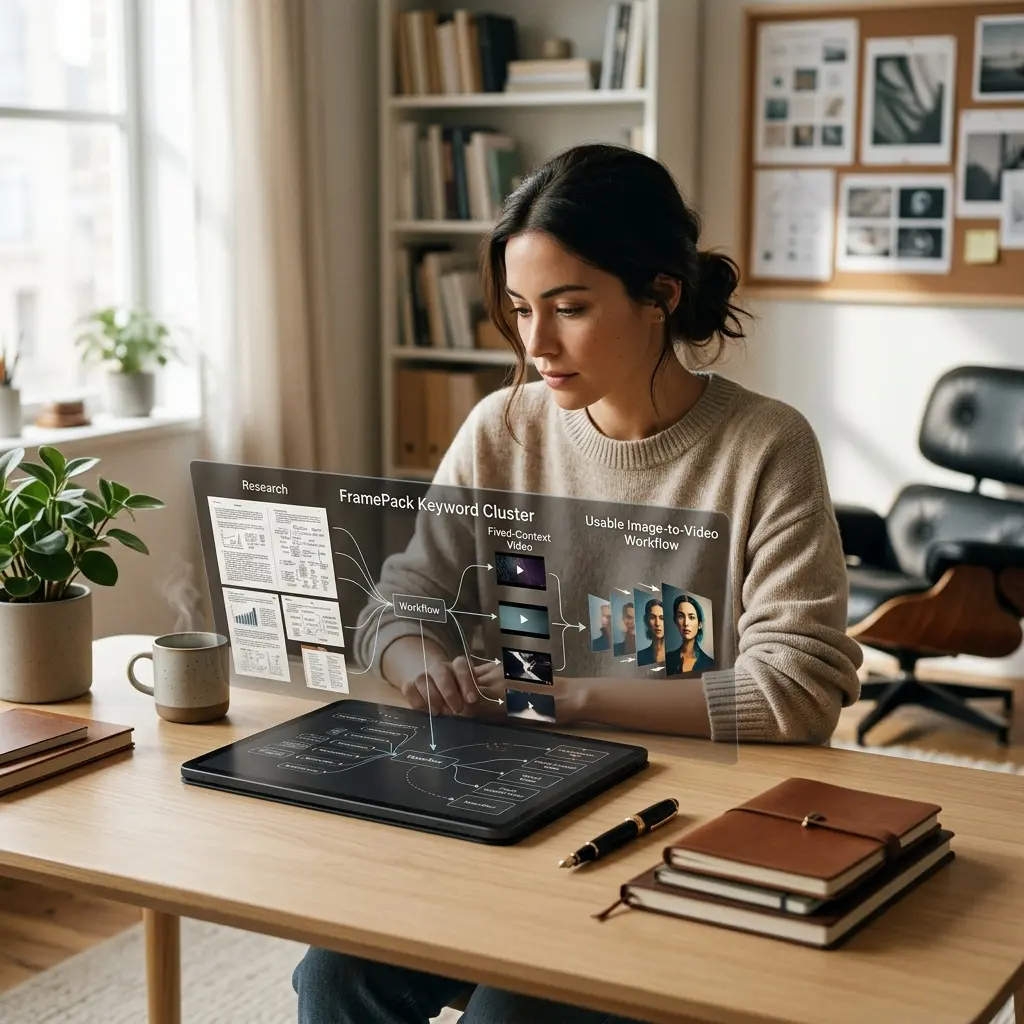
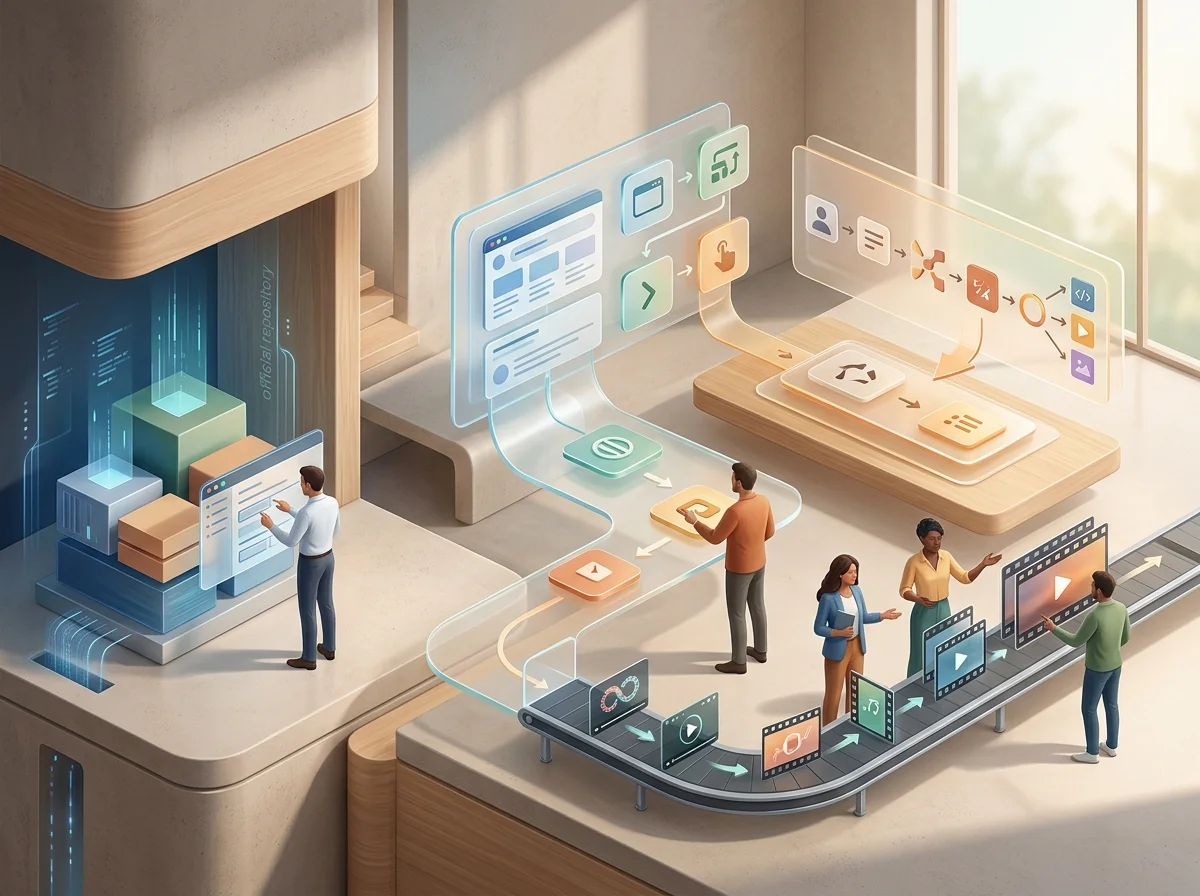
Why the browser
Why Generate Images in the Browser
No local environment to build, and nothing to keep up to date between sessions.
Nothing to install
No Python environment, no driver versions, and no multi-gigabyte checkpoint download before the first image.
The same result on any machine
Generation runs server-side, so a laptop returns what a workstation returns for the same prompt.
Iterate wherever you are
Open a tab and keep the good ones. The session lives with your account, not in a folder on one computer.
Carry a still into motion
An image made here can become the first frame of a video without exporting and re-uploading it.
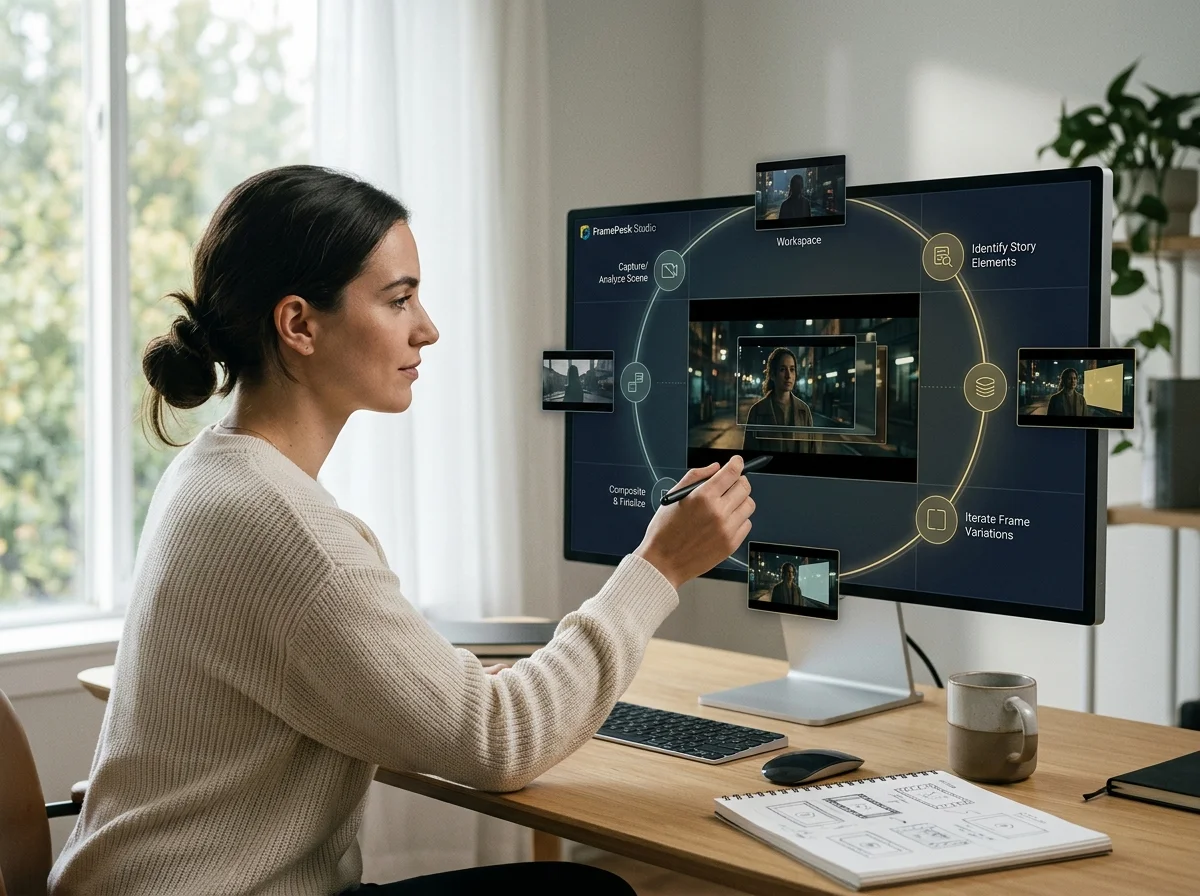
How to Generate an Image
Four steps from an idea to a set of options worth choosing between.
Describe the subject and the frame
Say what is in the picture and how it is composed before reaching for style words.
Attach a reference when layout matters
Image-to-image keeps composition and colour fixed while the rest is free to change.
Generate a batch and compare
View candidates together. Side by side, the strongest direction is usually obvious within seconds.
Re-run the winner with one change
Move a single attribute so you can attribute the improvement to something specific.
What the Image Workspace Includes
The parts of the studio that matter when you are making stills.
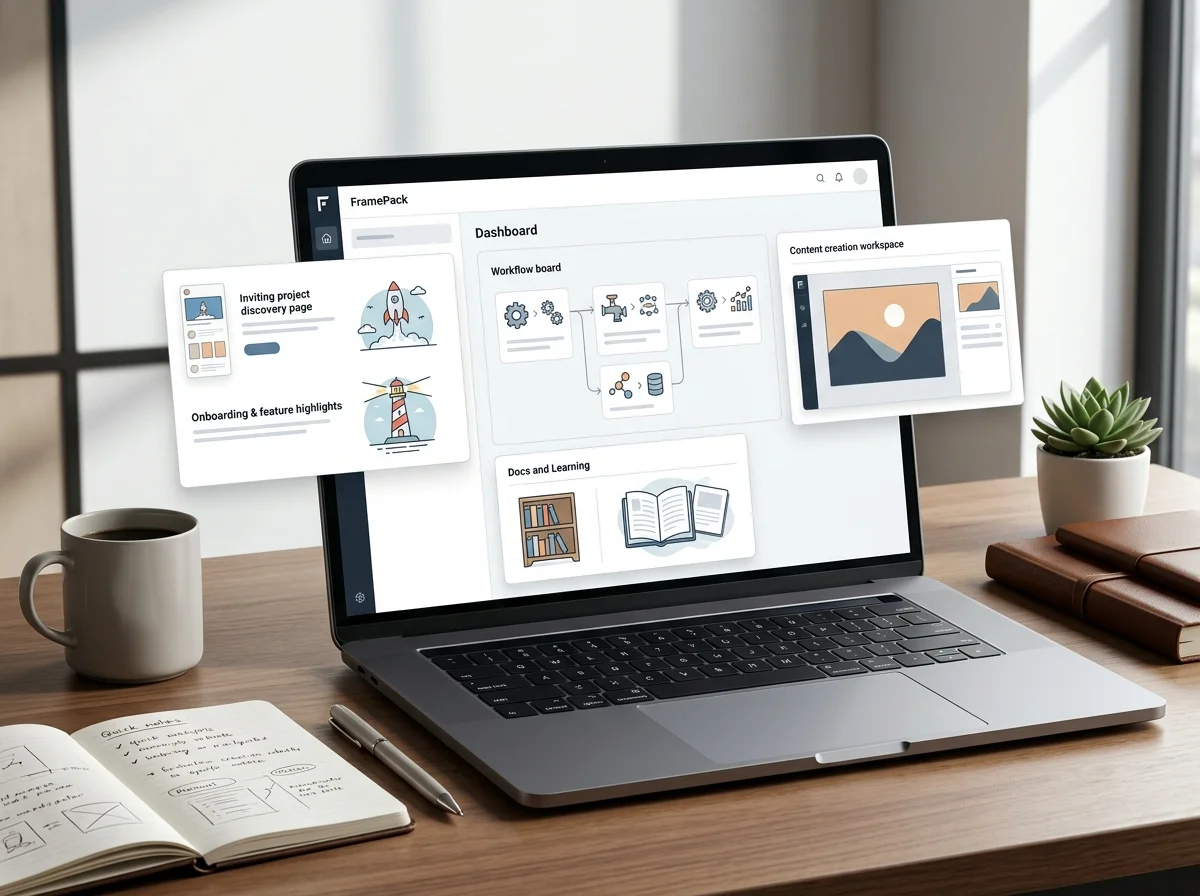
Text-to-image and image-to-image
Both entry points in one place, so switching between them costs nothing.
Server-side rendering
The work happens remotely; your machine only displays the result.
Side-by-side comparison
Earlier attempts stay visible instead of being replaced by the newest one.
Files at working resolution
Download straight into a layout, a deck, or a video timeline.
What a run costs and returns
Available in the form today, each priced in the same credits.
Per run, depending on the model and length chosen.
Includes a commercial licence for what you make.
The longest prompt every model on this page accepts.
Image Generation Questions
What people ask before their first image.
Generate Your First Image
Start from a prompt or a reference and see what comes back.

GPT Image 2.5: why check a still before animation?
Inspect fingers, outlines and overlapping objects at the source stage. A malformed edge can become more distracting when the image is used in an animation workflow.