

FramePack Studio Music Generator
Use the prompt or custom music workflow, review the available fields and credit estimate, then inspect the returned audio before using it in a project.
How the FramePack Studio Music Generator Works
Describe a track the way you would brief a musician - instrumentation, tempo, mood - and choose between takes rather than editing one.
Brief it like a musician
Instruments, tempo and mood carry far more than a genre label does. "Sparse piano, 70 BPM, unresolved" beats "sad music".
Say what the track is for
A bed under narration and a piece meant to be listened to want opposite arrangements, even in the same genre.
Generate several takes
Two takes of one brief can differ completely in feel. Comparing them is faster than describing what you did not like.
Keep the take, move one thing
Change tempo or instrumentation alone so the difference is attributable, instead of rewriting the whole brief.
Three Ways People Start a Track
Most music sessions begin from a mood, a reference, or a picture that needs sound.

Why the browser
Why Generate Music in the Browser
No session file, no plugin chain, and no instrument you have to be able to play.
No DAW required
Nothing to install or license, and no arrangement window to learn before the first track exists.
Play nothing, brief everything
The barrier becomes describing what you want, not performing it.
Score against picture
Music generated here sits alongside the video work rather than in a separate tool with its own exports.
Takes stay side by side
Comparing versions is the fastest way to hear which brief actually worked.
How to Generate a Track
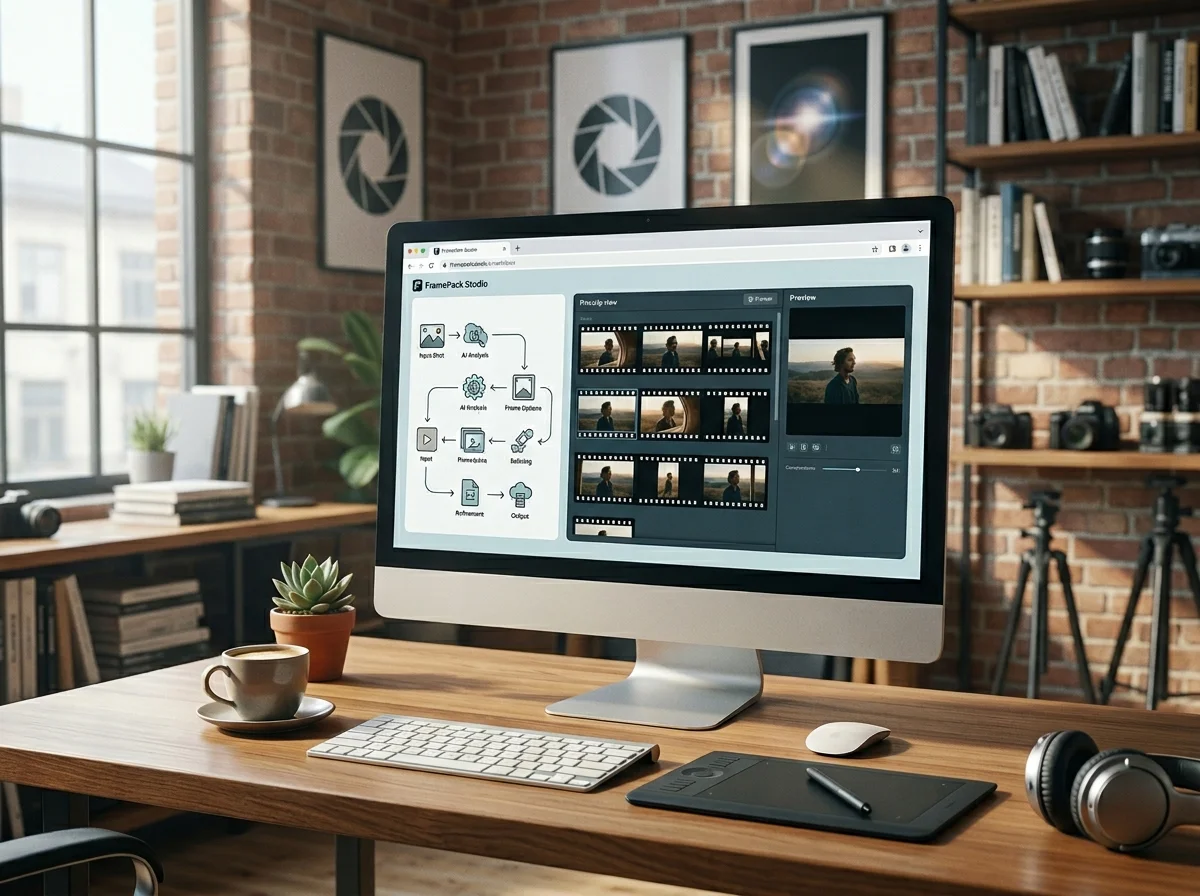
Four steps from a brief to a take you would actually use.
Set length and tempo first
Both constrain the arrangement more than any other choice, so fixing them early saves rewrites.
Name the instruments that matter
List what should be heard. Everything you leave out is left to the model.
Generate several takes and listen through
Judge on the whole take, not the first bar - arrangements often earn their keep later.
Re-run with one change
Adjust tempo or a single instrument so you can hear exactly what that change did.
What the Music Workspace Includes
The parts of the studio that matter when the output is audio.

Prompt-led track generation
A written brief becomes a finished arrangement without a session file.
Server-side rendering
Generation happens remotely; nothing has to run on your machine.
Takes kept side by side
Earlier versions stay available while you decide between them.
Audio that travels
Download the take and drop it under a cut, a podcast or a slideshow.
What a run costs and returns
Available in the form today, each priced in the same credits.
Per run, depending on the model and length chosen.
Includes a commercial licence for what you make.
The longest prompt every model on this page accepts.
Music Generation Questions
What people ask before their first track.
Generate Your First Track
Give it a tempo, a mood and a couple of instruments, and listen to what comes back.
